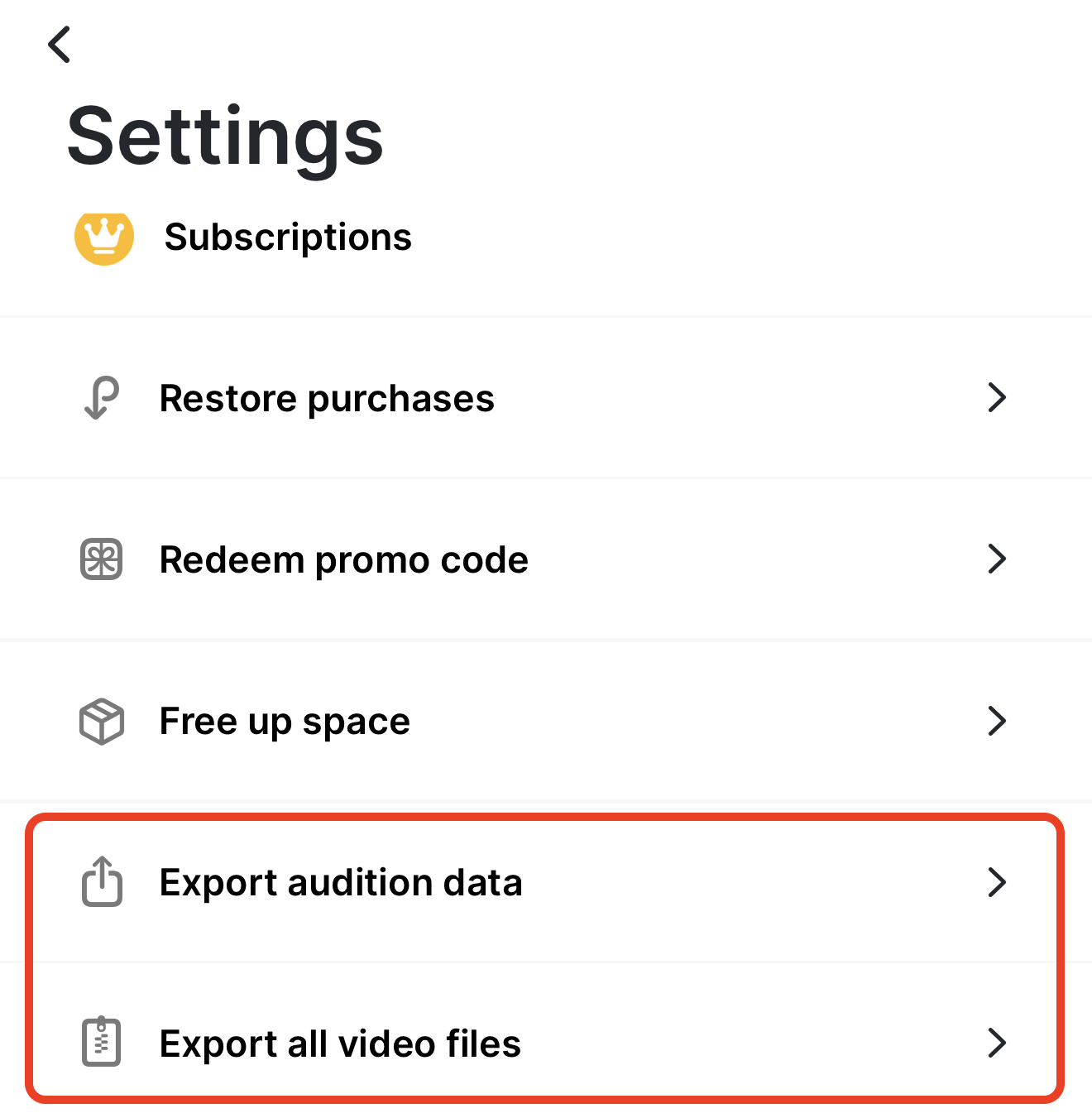
In Slatable Premium you can save your entire auditions folder from Slatable Settings > Export all video files. You will be given the choice of saving to your device or other apps, like Dropbox, if you have them installed. You can also AirDrop to another device if you are running low on storage.
iCloud and device storage are different things. You can always check how much storage you have in iOS Settings > General > iPhone Storage. You can also see your remaining storage in Slatable Settings at the bottom and in the Takes screen and video trimming screen.
You can also back up your audition information with Export audition data, which creates a CSV of your audition titles, characters, casting info, and any notes.
Since your auditions live on your device, it's a good idea to have a regular backup plan for your videos and data.
Was this article helpful?
That’s Great!
Thank you for your feedback
Sorry! We couldn't be helpful
Thank you for your feedback
Feedback sent
We appreciate your effort and will try to fix the article