The Auditions screen is where you'll create your Auditions.
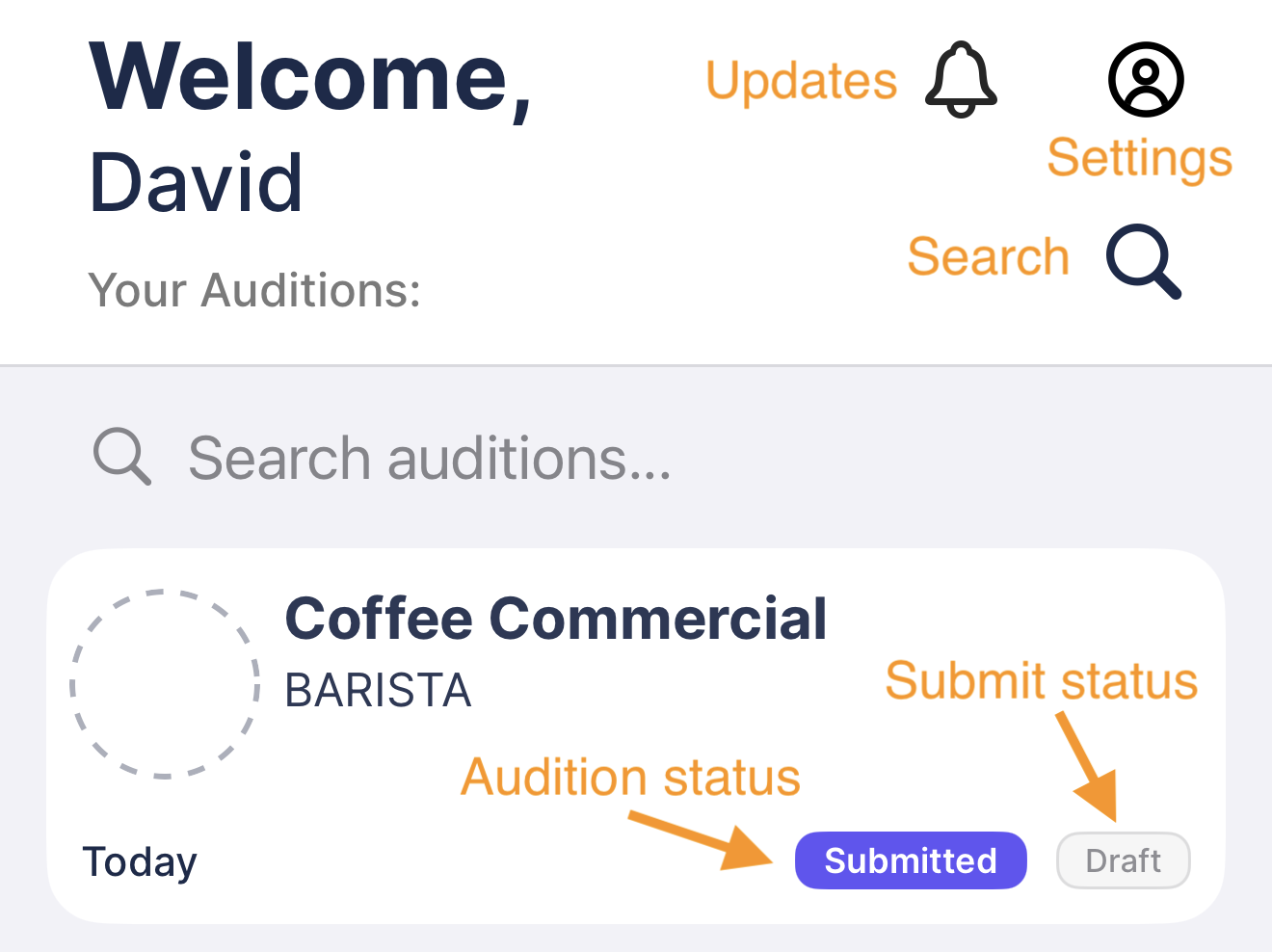
Add a new Audition
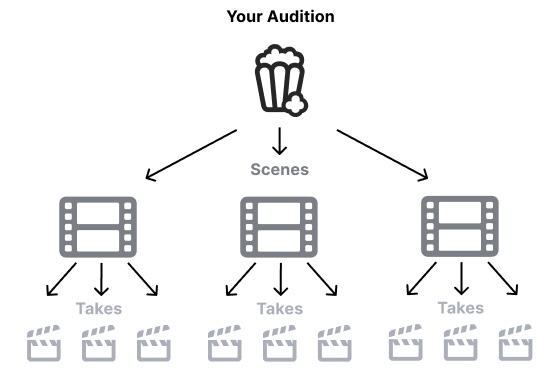
With Premium*, an Audition can have as many Scenes as you need. This lets you organize your audition and record separate SceneAudio for each one, so if you come back to a Scene later you won't have to re-record it.
Each Scene can have as many Takes as you need to get it right.
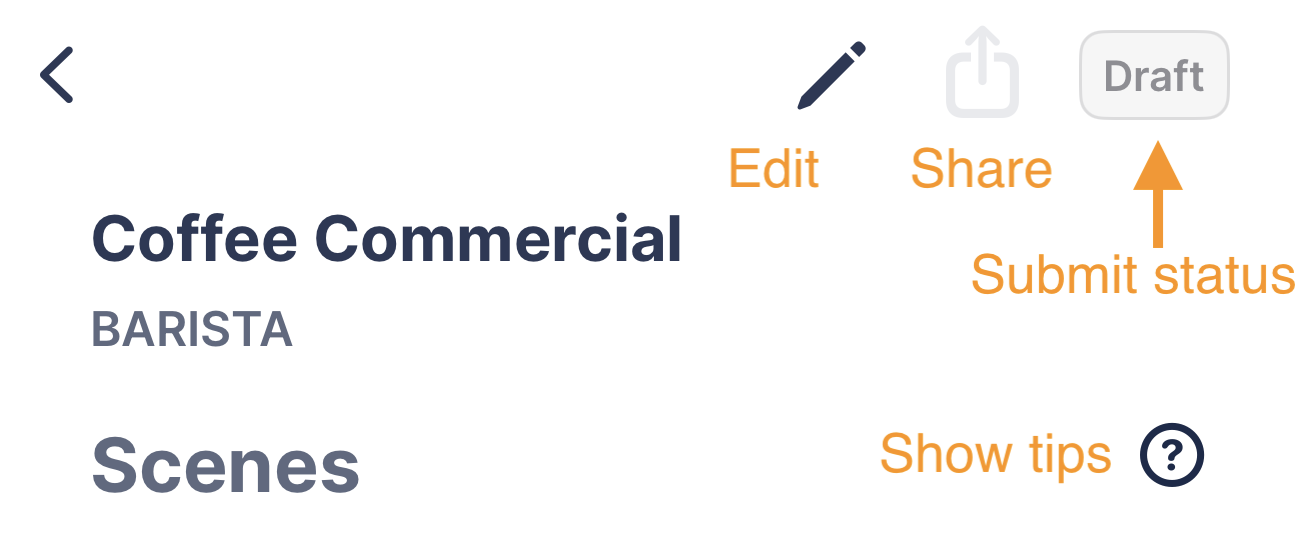
You can edit an audition by tapping on it, and then in the Scene screen tap the edit button . |
Was this article helpful?
That’s Great!
Thank you for your feedback
Sorry! We couldn't be helpful
Thank you for your feedback
Feedback sent
We appreciate your effort and will try to fix the article