With Audition Reports, you can track all your auditions and look back on your progress with audition type, casting office, and the status from Booked to Passed.
All this data stays on your device. It is not backed up to Slatable's servers. If you delete Slatable, you will lose all your data. iCloud backup is coming soon, but for now, make sure to back up your data by exporting it as a PDF.
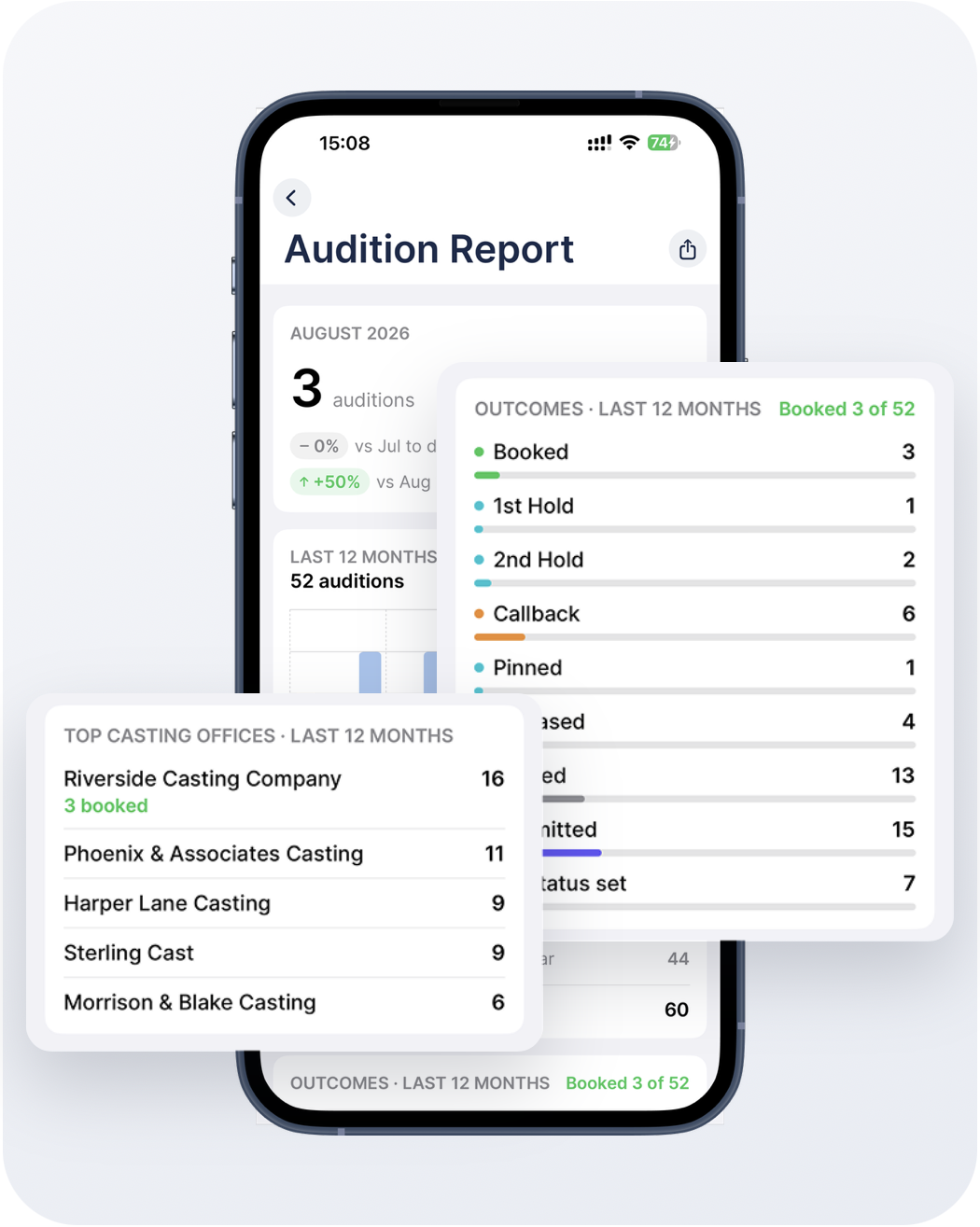
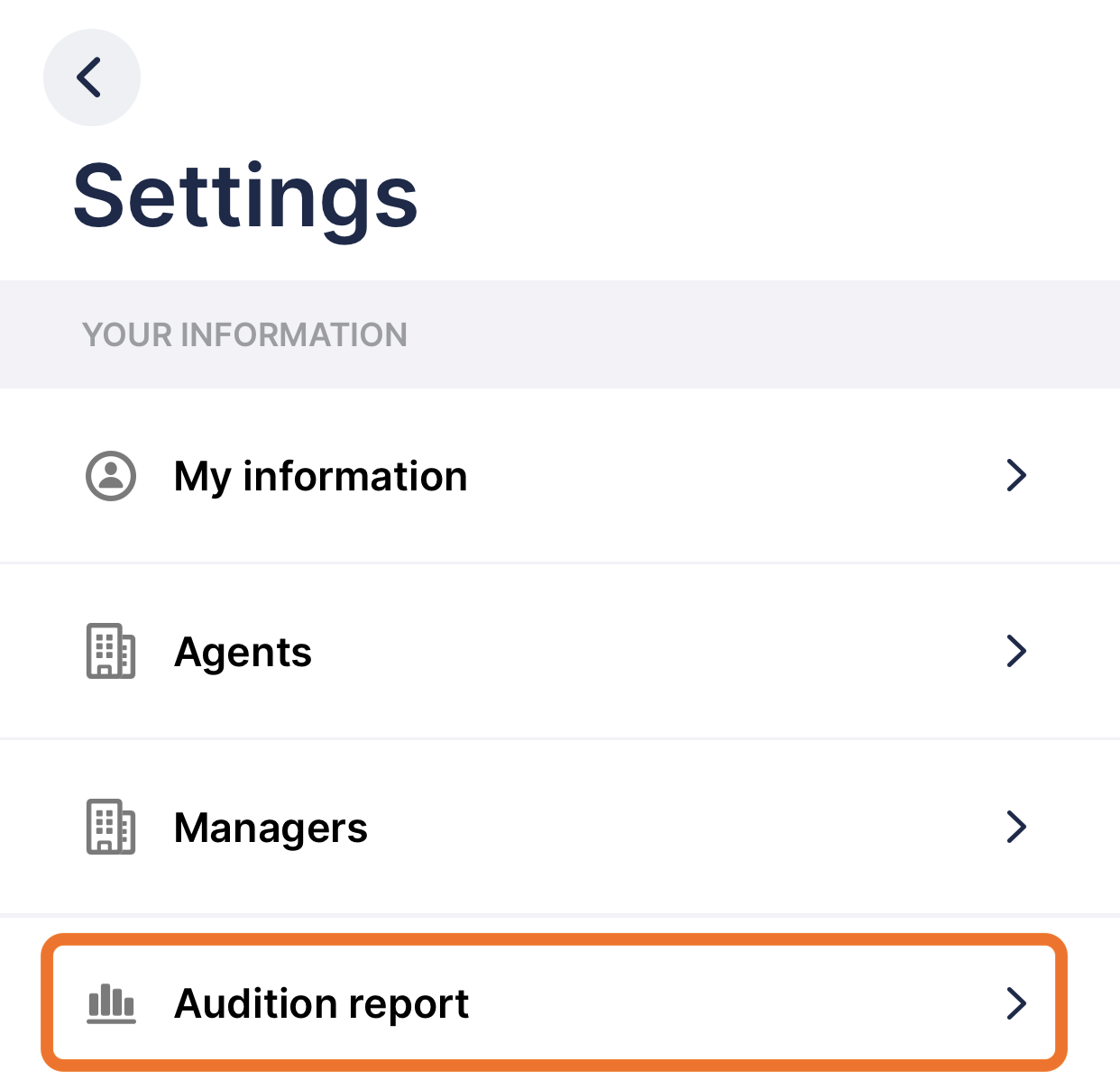
To see your report go to Settings > Audition report. You can export the report as a PDF.
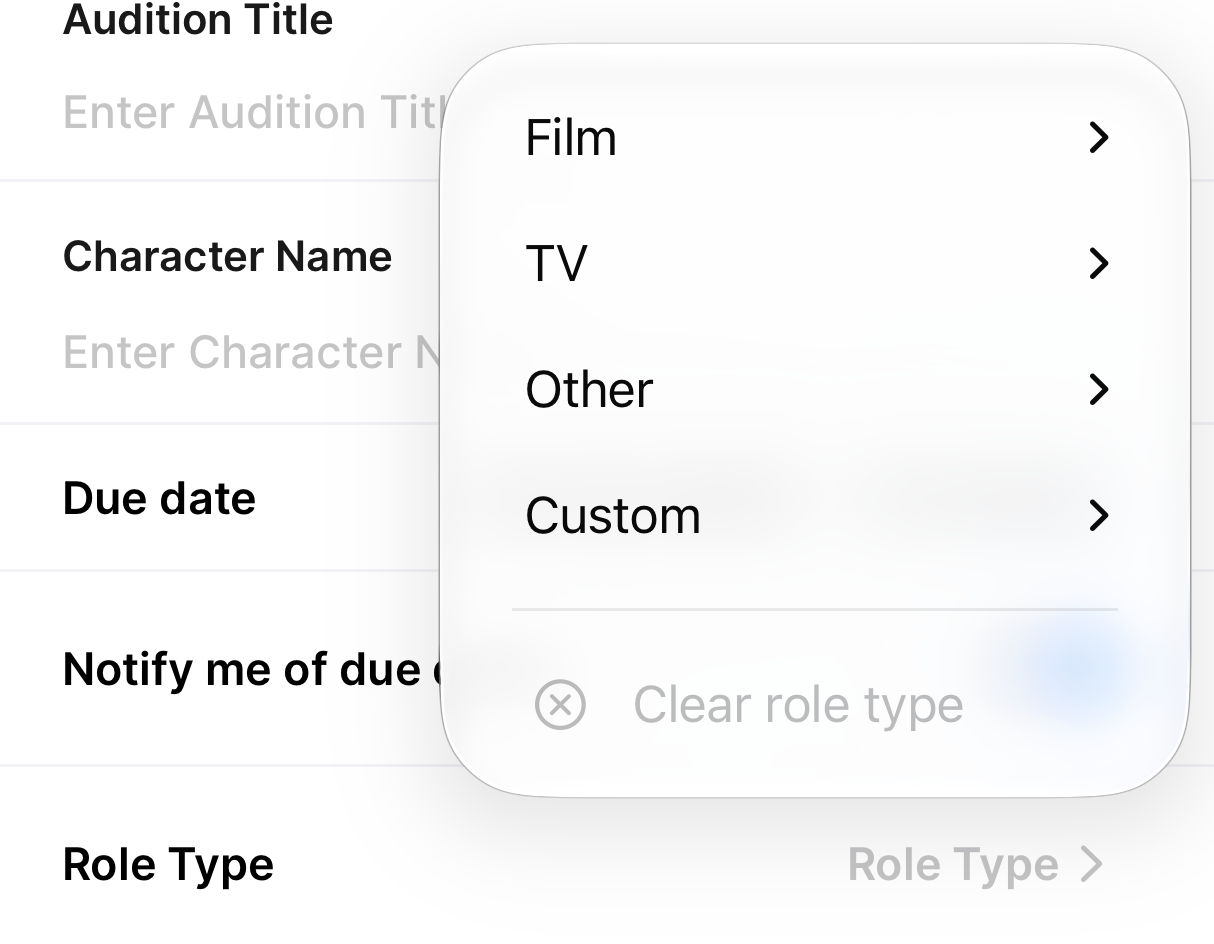
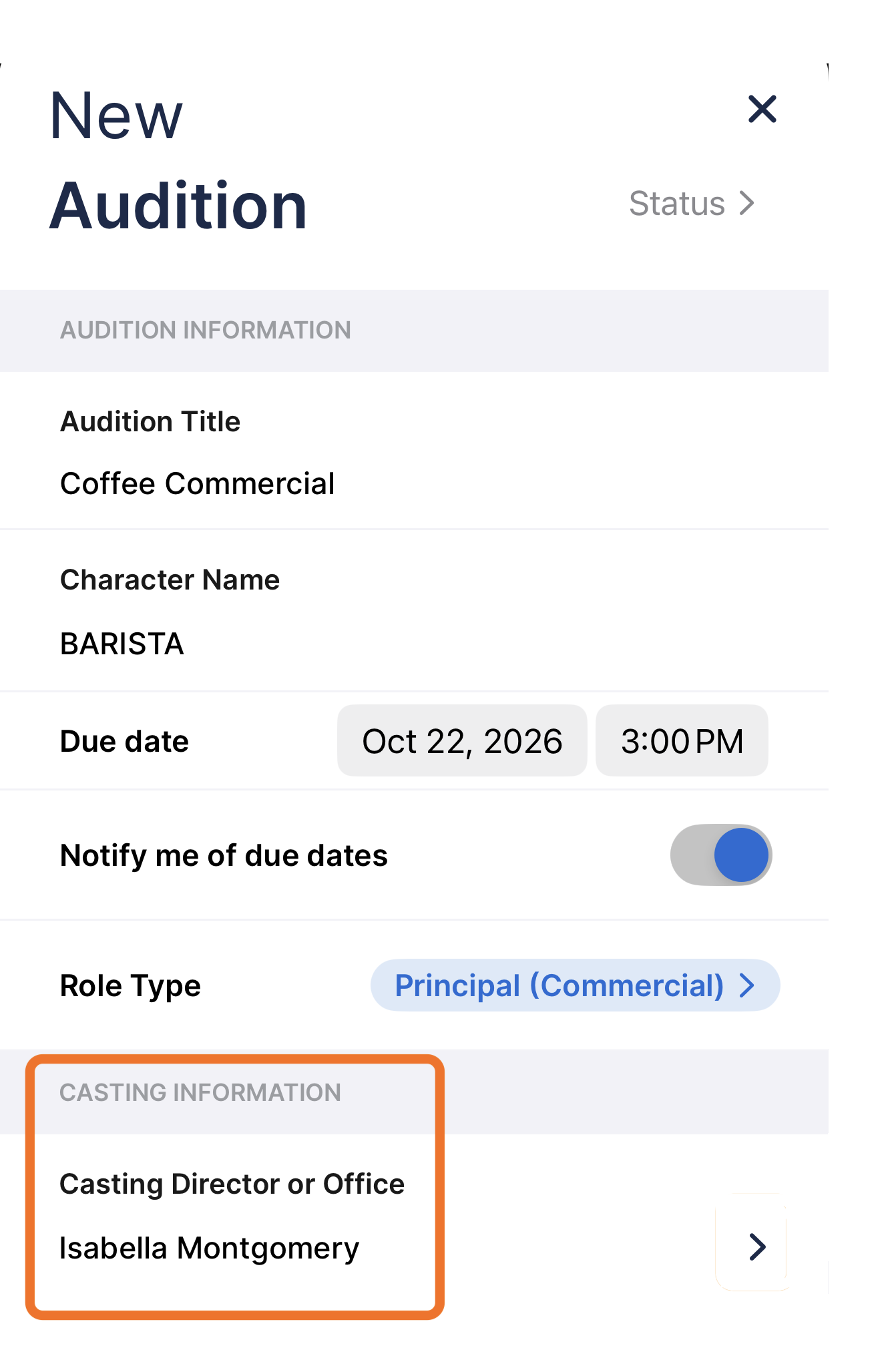
To start tracking your audition stats in New/Edit Audition, make sure to update the role type, update the status, and add the casting director. You can choose from a list of role types or add your own custom roles.
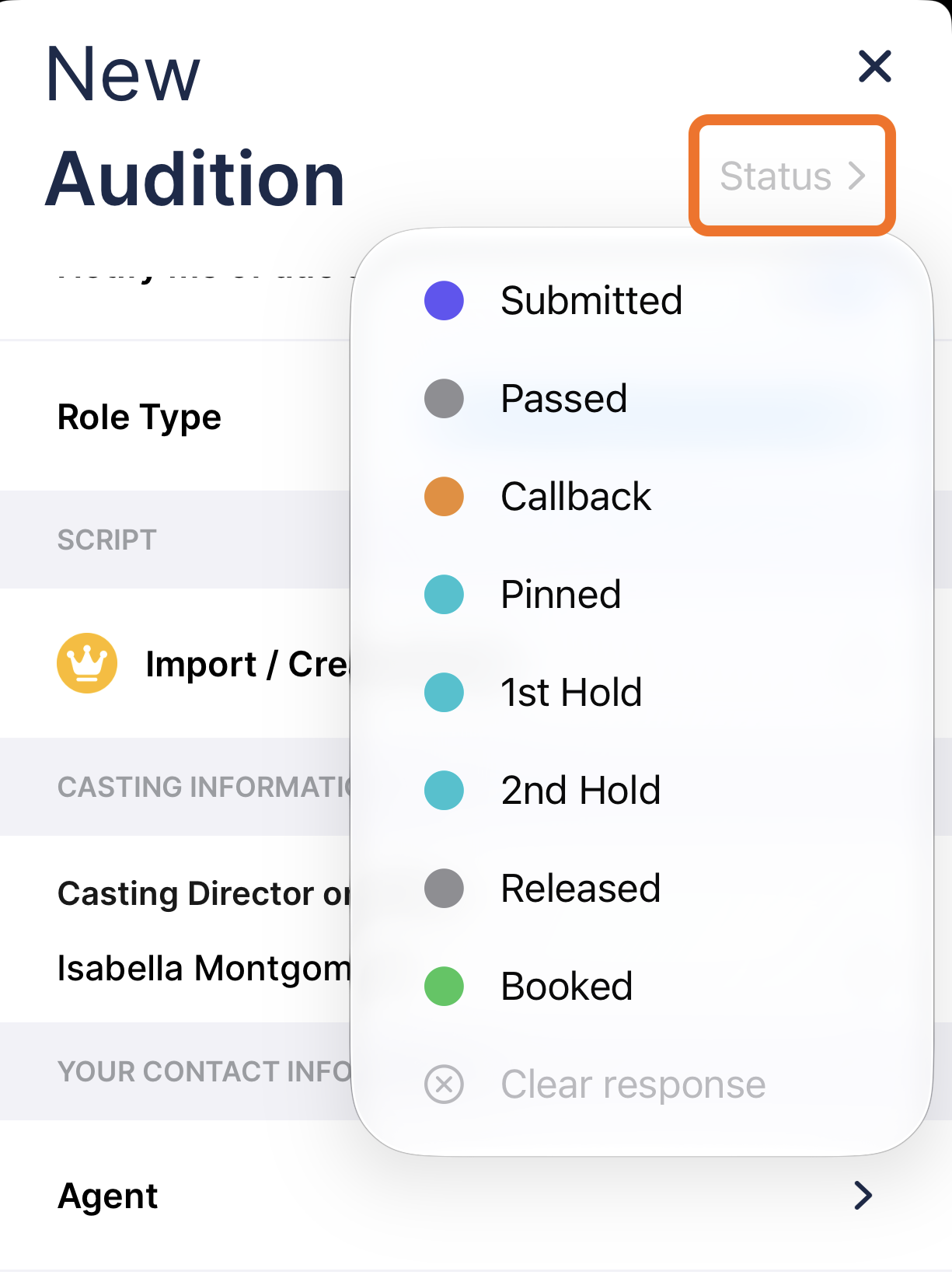
To update the status choose from the dropdown.
To update the casting director, start typing, and any casting directors you've already entered will auto-complete.
Was this article helpful?
That’s Great!
Thank you for your feedback
Sorry! We couldn't be helpful
Thank you for your feedback
Feedback sent
We appreciate your effort and will try to fix the article