Upgrade to Slatable Premium to be able to use a Bluetooth media buttons and keyboards and shutter buttons to play the next reader line.
All reader modes have a toggle in their settings to allow Bluetooth or Apple Watch app control as a backup.
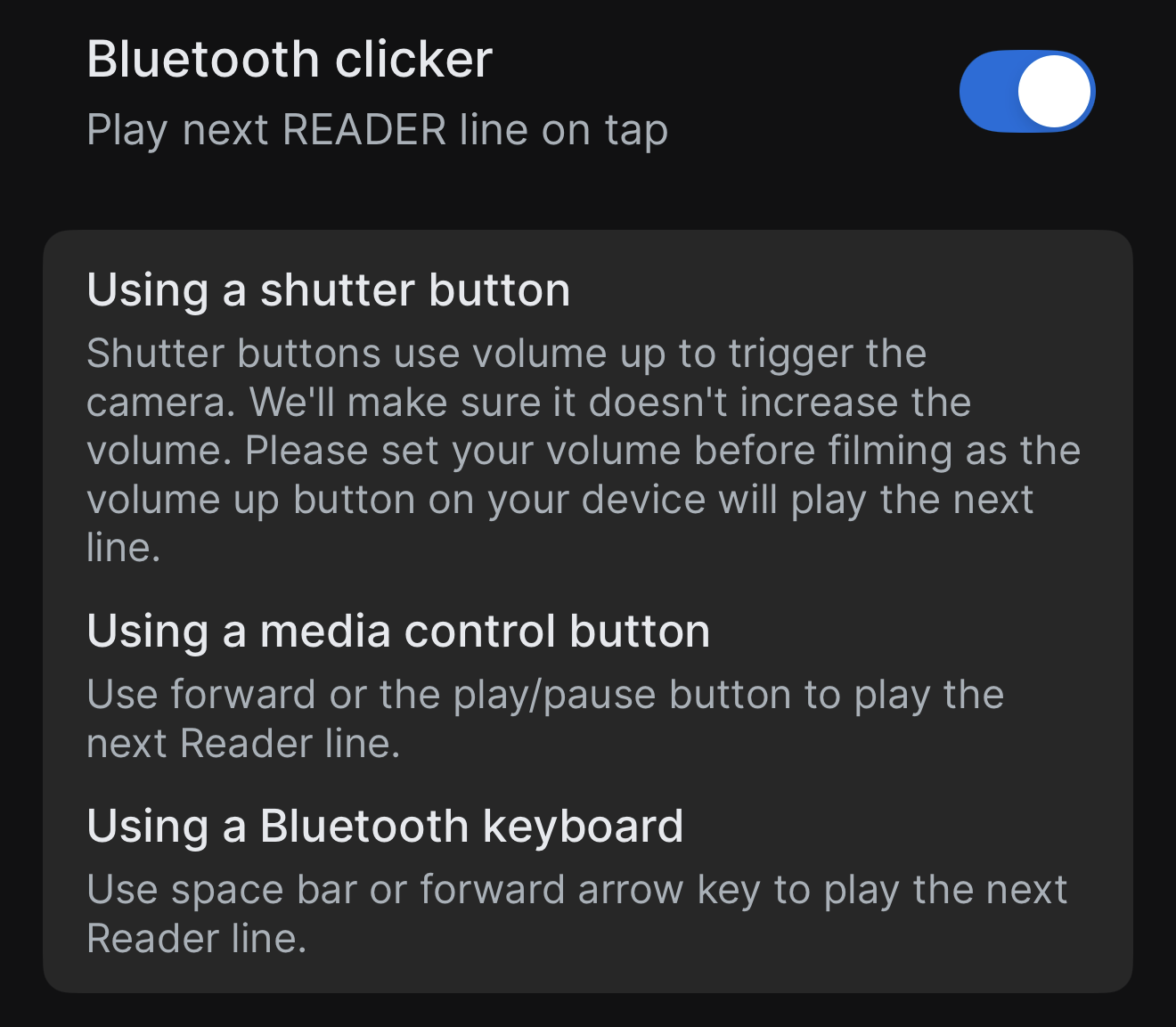
To see a mode's settings tap the mode in the carousel.
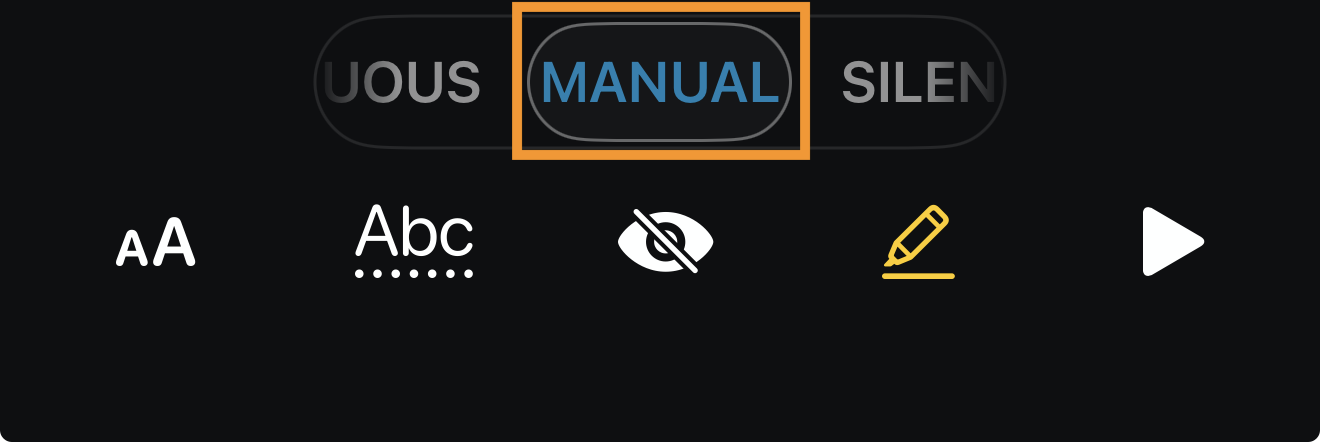
Manual mode
In Manual mode you don't need to turn on the Bluetooth clicker toggle as it is it's default way of playing the next reader line.
If you have an Apple Watch and the Slatable companion app installed you can also use that to play the next reader line.
PDF/Text Teleprompter
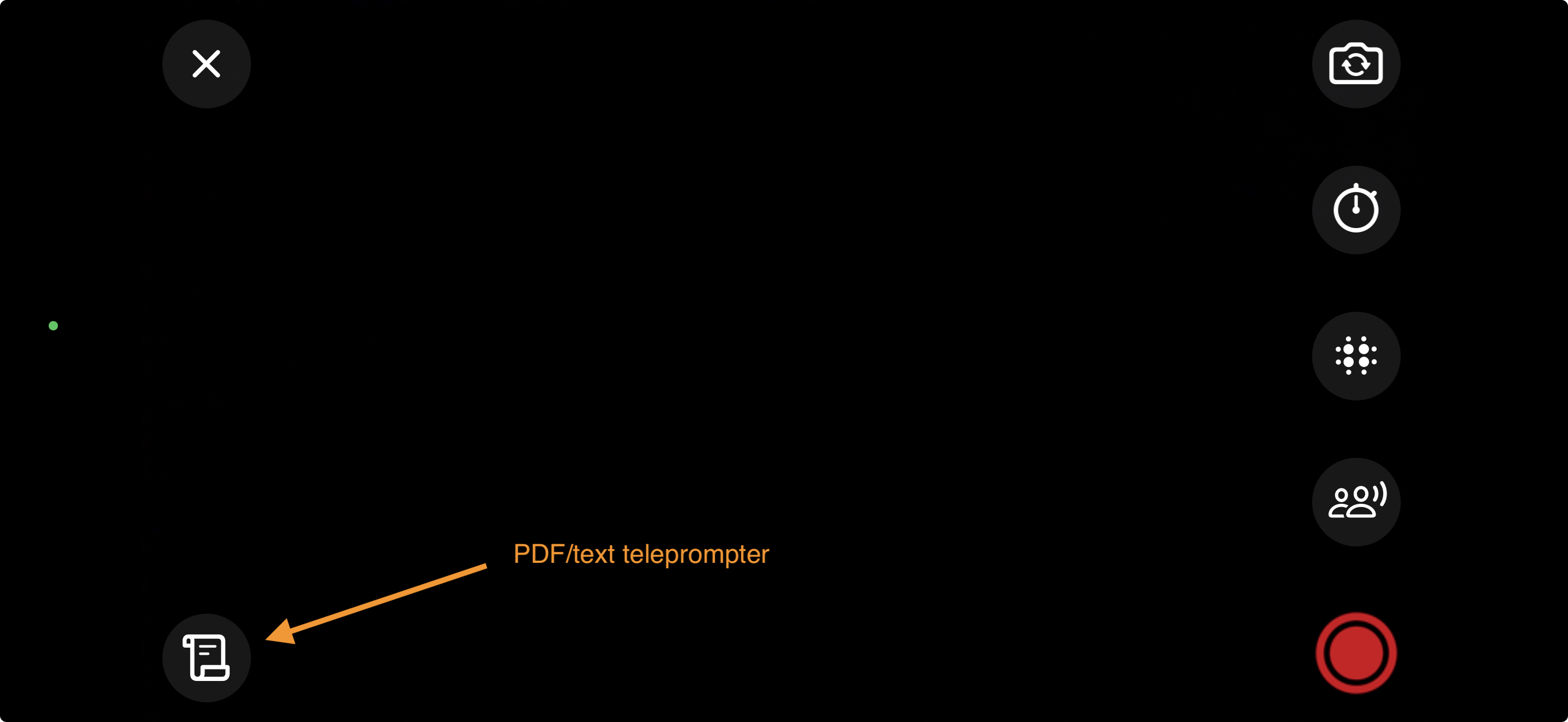
If you prefer to just use the script teleprompter you can use a Bluetooth media controller.
The backwards button stops the teleprompter and the forward button will start the teleprompter.
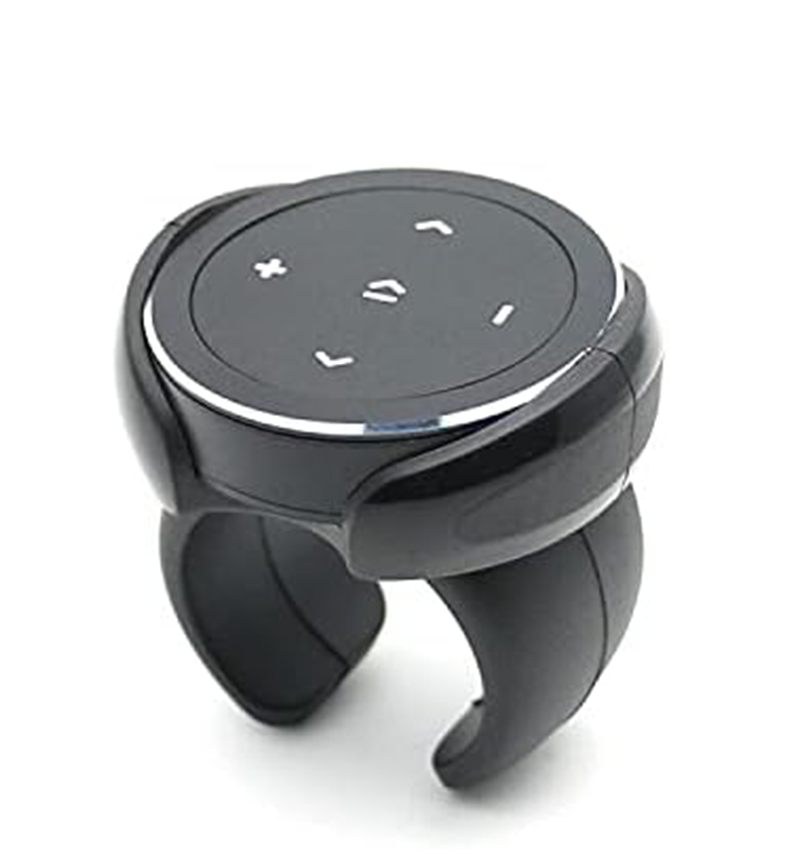
See the Slatable store for the one we use at SlatableHQ!

Was this article helpful?
That’s Great!
Thank you for your feedback
Sorry! We couldn't be helpful
Thank you for your feedback
Feedback sent
We appreciate your effort and will try to fix the article