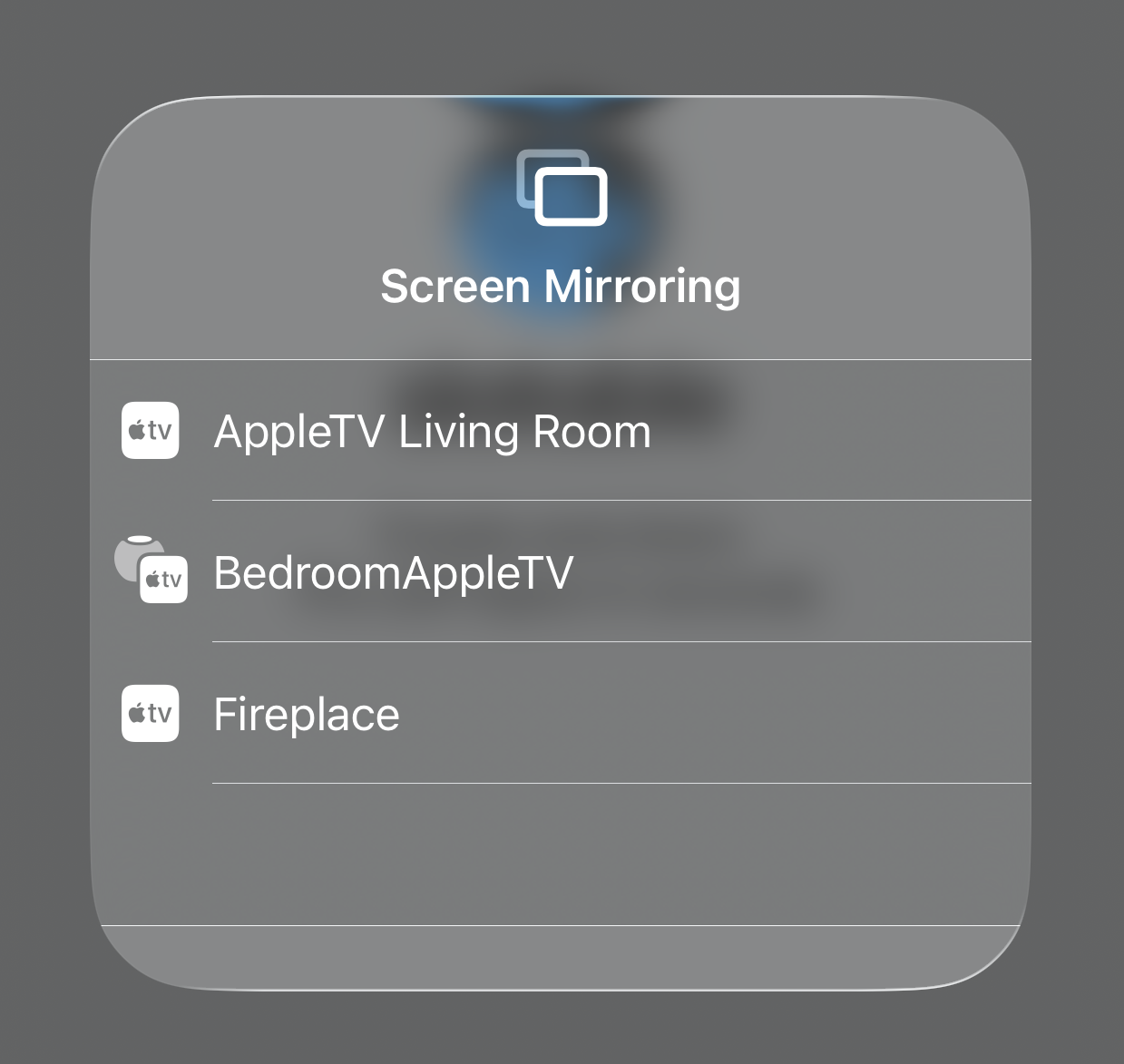
If you're subscribed to Slatable Premium you can Screen mirror to any device that has Airplay. This can be helpful if you are using the back camera and need to see your frame. AppleTV and some Macs will allow screen mirroring.
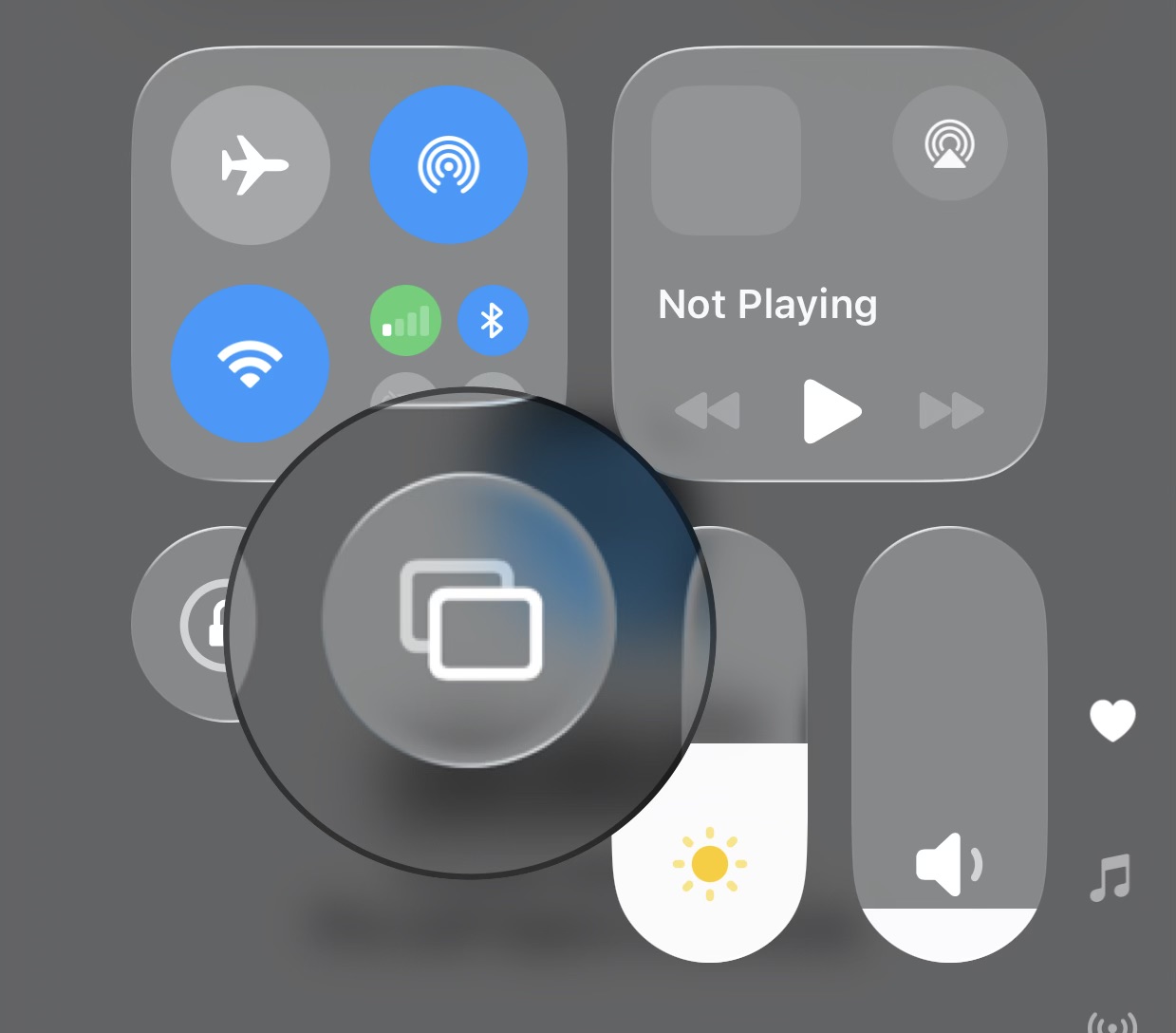
Open control center, by swiping down from the top right of your device, and choose Mirror > Device to stream to.
Was this article helpful?
That’s Great!
Thank you for your feedback
Sorry! We couldn't be helpful
Thank you for your feedback
Feedback sent
We appreciate your effort and will try to fix the article